
Xero
Xero organisations with GBP, EUR or USD as their base currency.
Explore Xero reportingBring QuickBooks Online companies into a portfolio dashboard. Compare profit and loss, balance sheets and trial balances with account mappings you review.
QuickBooks Online companies with GBP, EUR or USD as their home currency. QuickBooks Desktop is not supported.
Authorize the QuickBooks Online company you want to connect, confirm its destination portfolio, then wait for the first sync. Repeat for additional companies. You can include connected Xero and eligible FreeAgent companies in the same management reporting workflow.
Review a single company in its native GBP, EUR or USD currency, or use GBP management presentation across companies. Check exchange-rate coverage and warnings before relying on translated totals.
Compare imported accrual reports with the same dates and accounting basis in QuickBooks Online. Home-currency reports are imported; this is not transaction-level foreign-currency analysis.
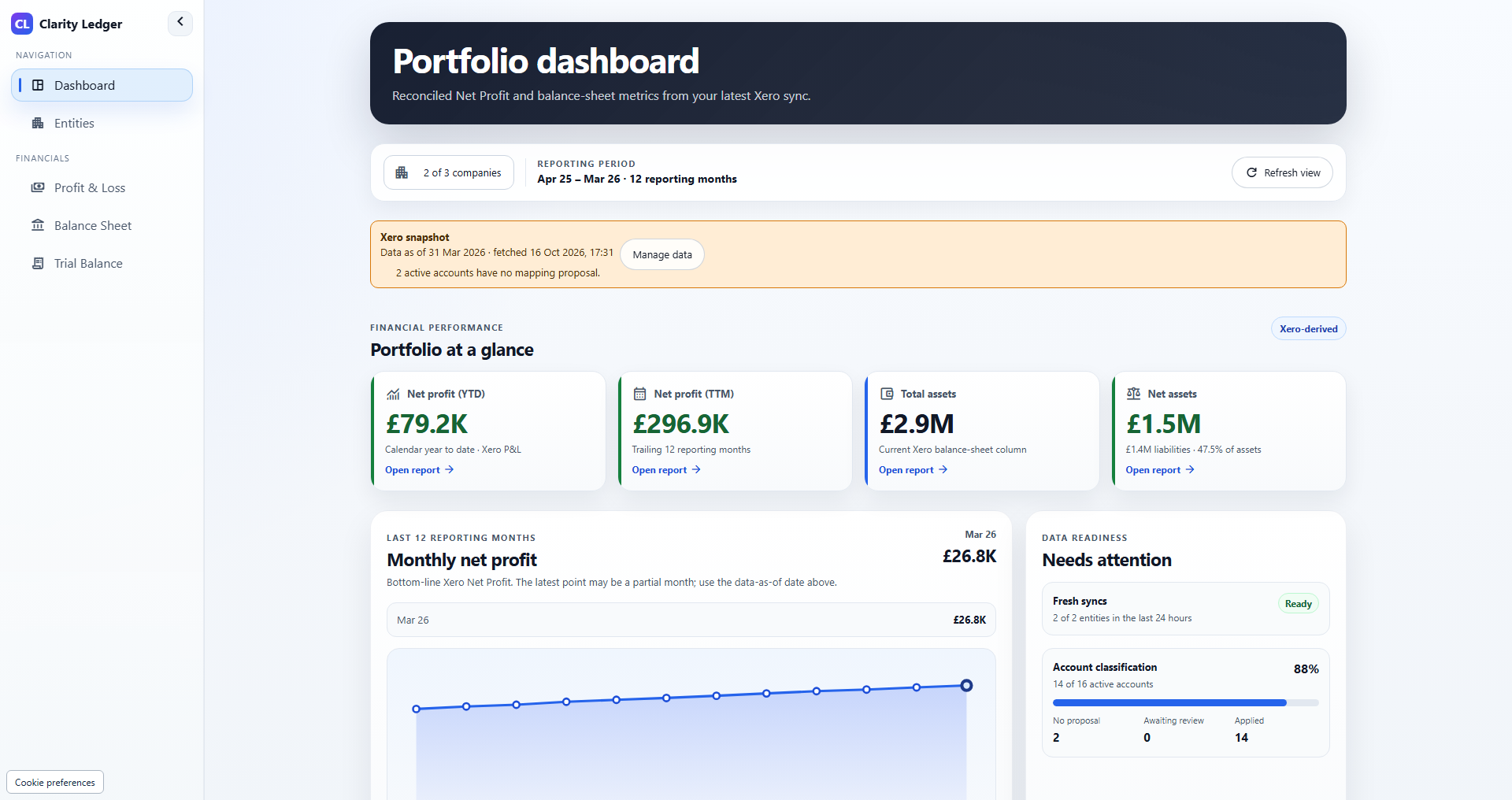
Reports use the latest successful saved sync. Opening a report does not refresh the ledger data. Review the data date, warnings and mapping coverage, then request a new sync when required.
The reporting connection does not create or change invoices, journals, payments or account codes in QuickBooks Online. Disconnecting stops future imports; use the app's removal controls separately to manage retained reports.
Forecasts, AI commentary, automatic property KPIs, investor-pack generation and statutory consolidation are outside the current offer.
Compare all accounting integrationsA portfolio can include eligible companies connected through all three providers. Xero and QuickBooks Online support GBP, EUR and USD base or home currencies; FreeAgent is limited to UK GBP limited companies. Review each company's reporting dates and mappings before comparing the portfolio.
Neither is included. The connection reads QuickBooks Online financial reports for management reporting. It does not support QuickBooks Desktop, statutory consolidation or automatic intercompany eliminations. Keep bookkeeping and corrections in QuickBooks Online, then sync again to review updated reports.
Keep your accounting platforms
Connect each company through its accounting provider. Use saved financial reports and reviewed mappings to compare companies in the same workspace.
Xero organisations with GBP, EUR or USD as their base currency.
Explore Xero reportingQuickBooks Online companies with GBP, EUR or USD as their home currency. QuickBooks Desktop is not supported.
Explore QuickBooks Online reportingUK limited companies using GBP as their base currency. Sole traders, partnerships and non-GBP FreeAgent companies are outside the current supported scope.
Explore FreeAgent reportingThe connection reads accounting data. It does not create or update invoices, journals or payments in your accounting platform. Portfolio totals support management reporting; they do not perform statutory consolidation or automatic intercompany eliminations.
Create an account, choose a plan and complete checkout. A 21-day trial is available once per eligible portfolio; payment details are collected and billing starts after the trial unless cancelled. Review company eligibility before subscribing.